
Membership payments
One step closer
to your routine.
Pre-register, pay by GCash, then send your reference to the gym. Our staff will check the transfer and help you complete your membership.
Start with your details.
Complete the membership form first. Use the same name and email when sending your payment details so staff can match the two.
Pre-register for membership ↗Google Forms opens in a new tab. If you have already submitted it, continue below.
Choose your membership.
Bring your school ID. If you are unsure about eligibility, ask the gym before paying.
Check your selected plan and enter the amount shown in your payment app. For a promotional or specially agreed rate, confirm the amount with the gym before transferring.
Designated receiving account
The owner’s personal GCash account is shown as MO****O P. on the supplied QR. Check the recipient in your app before confirming.
The website cannot see your wallet or verify a transfer. Any transfer fees are shown by your payment app.
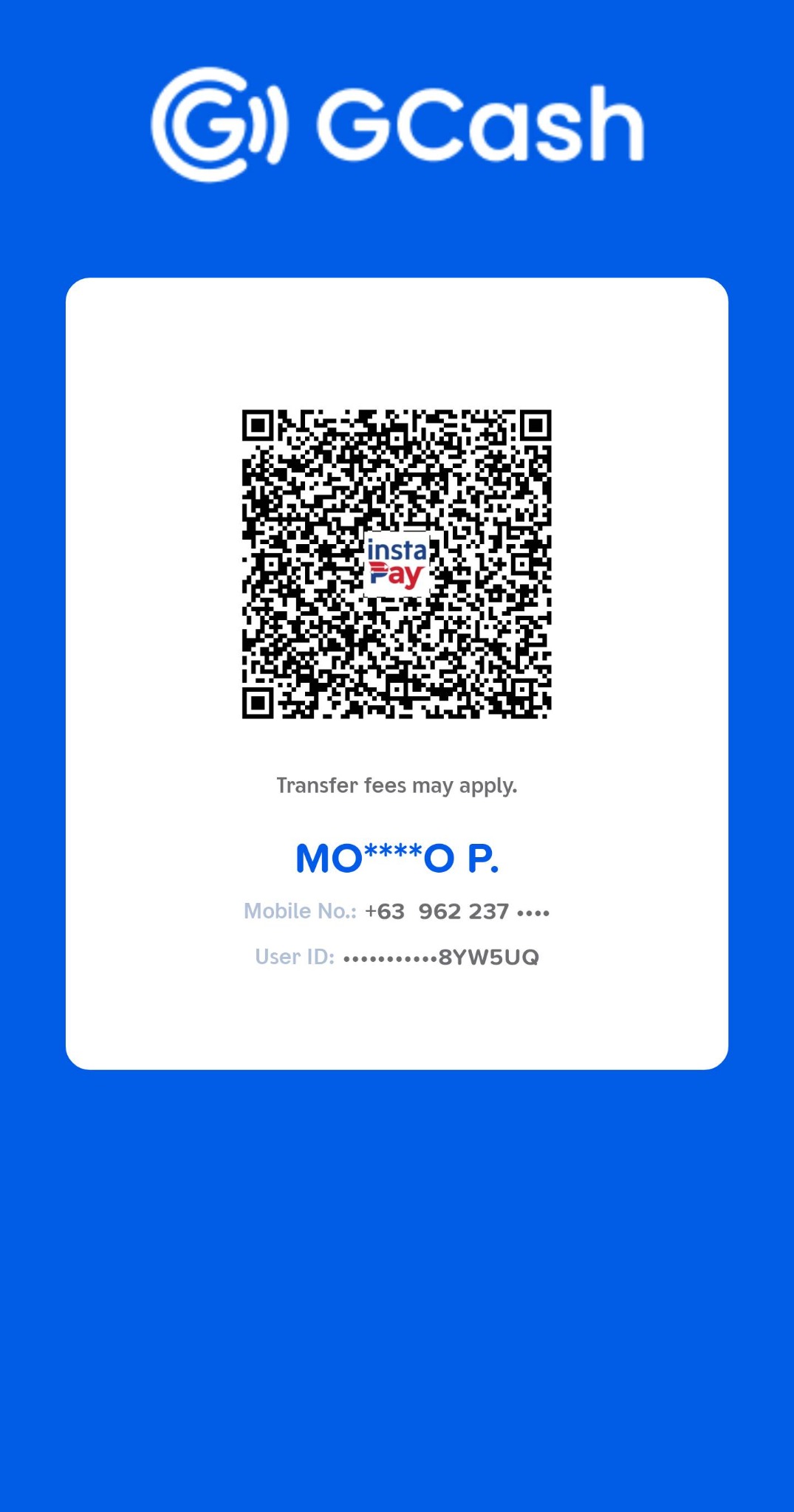
On your phone, save the image and use your payment app’s scan-from-gallery option.
Help us match your payment.
After paying, fill in the details below to prepare an email to iam.irongymurdaneta@gmail.com. Attach your receipt in your email app, then send it.
Ready to send for verification.
Your details have not been sent yet. Open the email, attach your receipt, and press Send. Payment remains unverified until gym staff check it.
If no email app opens, copy the details and send them from your usual email service to iam.irongymurdaneta@gmail.com.
What happens next?
Staff will match your registration and verify the funds received. Contact the gym for confirmation before treating your membership as active. When you visit, show your registration email and payment receipt, bring your school ID if applicable, and complete registration to collect your membership card.
Need help? Contact the gym →